What premium vs basic iptv Means in 2026
Premium vs Basic is the first choice every new subscriber faces, and the wrong pick costs either money or the channels you wanted most. For viewers in the United States, the word premium has a practical meaning: the channels you actually watch have to be there on the night that matters, in picture quality that holds up on a big screen, with support that answers when something goes wrong. premium vs basic iptv sits at the top of that test. The Premium plan from Premium IPTV USA carries 57,000+ live channels, 185,000+ movies and 49,000+ series, and it streams in HD, Full HD, 4K and 8K. That is the difference between a cheap list of channels and a service you can build a whole evening around.
Price is part of the same picture. Premium costs $19.99 for one month, $49.99 for three months, $79.99 for six months and $99.99 for twelve months. Basic costs $14.99, $24.99, $39.99 and $59.99 for the same periods. Premium for twelve months with two devices is $159.99, three devices $224.99 and four devices $269.99 per year, while Basic multi-device costs $109.99, $159.99 and $199.99. Every plan starts with a free 24-hour trial, so the check costs nothing: message us on WhatsApp, get the trial activated, and watch your own channels on your own TV before a dollar changes hands. If the picture holds up on a Sunday night when millions of homes are streaming at once, it will hold up on a Tuesday afternoon too.
The Channels You Get With premium vs basic iptv
The channel list is where a premium service earns its name. With premium vs basic iptv, the American basics are covered first: ABC, NBC, CBS and FOX for local news, prime time and live sport, plus cable names people actually ask for by name — ESPN, ESPN2, NFL Network, NBA TV, TNT, TBS, AMC, FX, CBS Sports Network, FOX Sports 1 and NBC Sports. Premium adds the movie and series channels that make the tier worth paying for: HBO, Showtime, Starz and Cinemax, each with its own live feeds and on-demand library.
- Basic: 10,000+ channels, 80,000 VOD, HD/FHD, from $14.99 a month
- Premium: 57,000+ channels, 185,000+ movies, 4K/8K, from $19.99 a month
- Premium adds HBO, Showtime, Starz and Cinemax
- Premium adds all sports and PPV with no extra fee
- Both tiers include a free 24-hour trial and WhatsApp support
| Plan | 1 month | 12 months | Quality |
|---|---|---|---|
| Basic | $14.99 | $59.99 | HD / FHD |
| Premium | $19.99 | $99.99 | HD / FHD / 4K / 8K |
| Premium 2 devices | $19.99 | $159.99 | HD / FHD / 4K / 8K |
| Premium 4 devices | $19.99 | $269.99 | HD / FHD / 4K / 8K |
Beyond the headline names, the Premium plan covers regional sports networks, international sport on beIN Sports and DAZN, news from CNN, MSNBC and FOX News, and the full spread of entertainment, documentary and kids channels that fill a household week. The comparison only makes sense if you know what you watch, so this article compares the two tiers channel by channel, dollar by dollar. The point is not the size of the list on a sales page. It is that the channel you switch to at 8:20 PM on a Sunday is there, in 4K, without a spinning wheel.
the NFL Coverage: The Games That Decide It
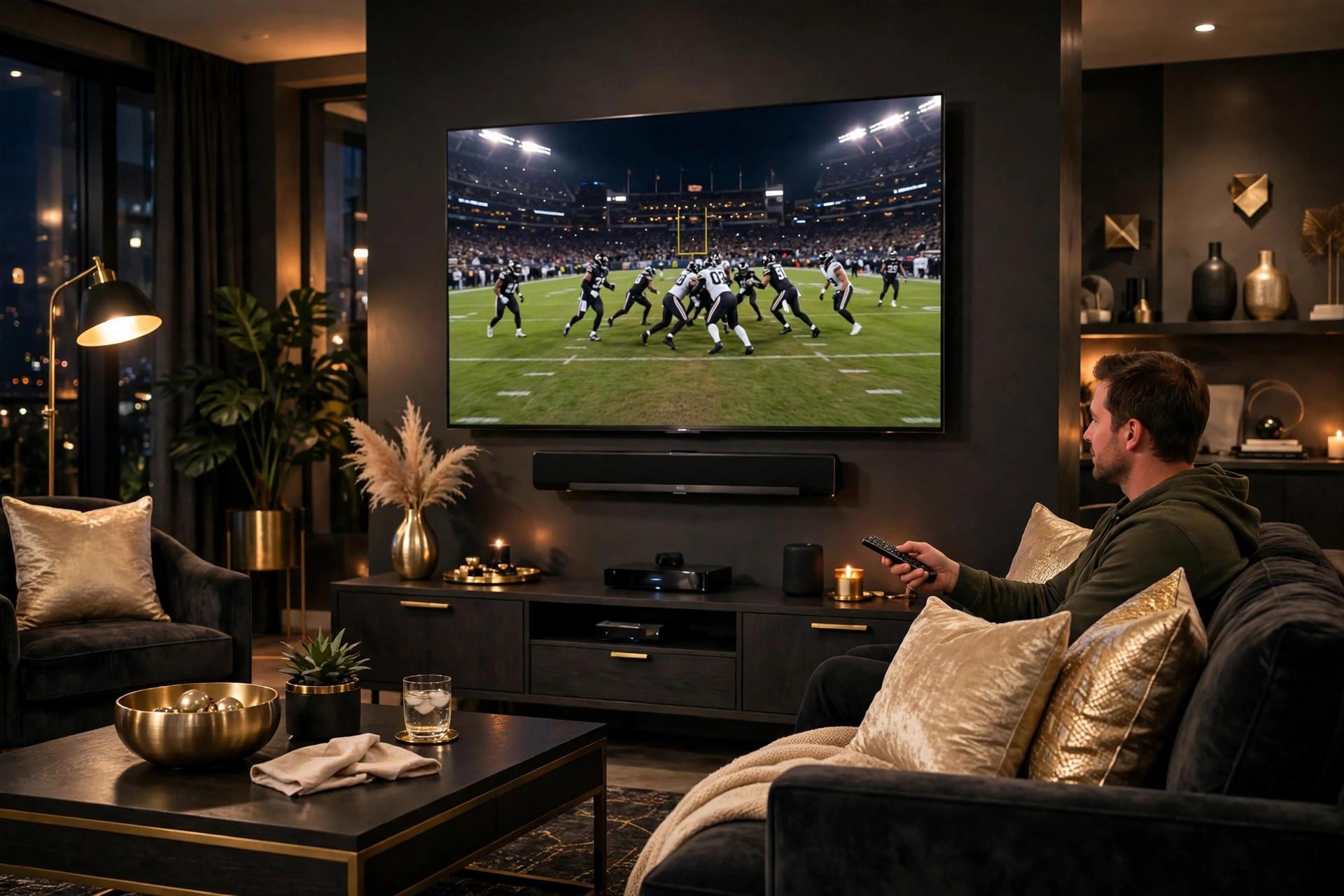
NFL Sunday Ticket games air across FOX at 1:00 PM Eastern, CBS at 4:25 PM Eastern and NBC at 8:20 PM Eastern, and the premium tier is the one that carries every one of those feeds in 4K. That is the night a premium service is judged on, and it is the night cheap services fall apart. Premium IPTV USA puts the full schedule in one place: every regular-season game that airs on ABC, NBC, CBS, FOX and ESPN, the prime-time games, the playoffs and the championship. You do not need a second subscription for the game on another network, and you do not need to hunt for a stream ten minutes before kickoff. If that is what matters most to you, start with the Premium IPTV USA 2026 overview.
The same logic covers the rest of the calendar. the NFL runs on a schedule that jumps between networks all season, so a service that only carries one or two sports channels leaves gaps every week. Premium carries the full set — the league networks, the national broadcasters and the cable sports channels — plus the pre-game shows, the post-game analysis and the replays. Check the plans page and compare the Premium tier with Basic before the next big game, because Basic stops at HD and FHD and leaves out the premium sports channels.
4K and 8K Picture: What Premium Actually Looks Like
A 4K picture needs more than a 4K label. The stream has to be encoded at a high bitrate, the server has to keep up at peak hours, and your connection has to hold steady. Premium IPTV USA streams in HD, Full HD, 4K and 8K, and the Premium tier is the one that carries the 4K and 8K feeds. On a 55-inch or 65-inch TV, the difference between a good 4K feed and a stretched HD feed shows up in the grass on a football field, the faces in a dark HBO scene and the text on a score bug.
For the best picture, use a wired Ethernet connection where you can, or a strong 5 GHz Wi-Fi signal. A 4K stream wants a steady 25 Mbps or more, and an 8K stream wants more than that — not a burst, a steady rate for two or three hours. If your picture ever drops, the first check is your own network: restart the router, move closer to the access point, or plug in a cable. The installation help page walks through the setup for 13 devices, and VIP support on WhatsApp answers around the clock if the problem is on the service side.
Setting Up premium vs basic iptv on Firestick 4K Max
Setup takes under five minutes once the trial is active. On Firestick 4K Max, install the player app we recommend for that device — IPTV Smarters Pro or TiviMate on Android and Apple devices, IBO Player on Samsung and LG Smart TVs, and IBO Pro Player on Firestick via Downloader (ask on WhatsApp for the current code). Open the app, choose the Xtream Codes login, and enter the username, password and server address we send you on WhatsApp. The channel list and the TV guide load by themselves.
If you would rather not touch a setting, ask for free remote installation. Send your device details on WhatsApp and the team sets the playlist up for you. The same help covers the whole household: Firestick, Fire TV, Samsung and LG Smart TVs, Android TV, Android and iOS phones and tablets, Apple TV, Windows, Mac, MAG, Enigma2, Formuler, Nvidia Shield and Roku through screen mirroring. Read the install guide for the step-by-step version for your device, then start the free trial and test the exact setup you will use on game night.
Premium vs Basic: Which Tier Fits the NFL and HBO every week
Basic is the honest budget choice. It costs $14.99 for one month and $59.99 for twelve months, carries 10,000+ channels and 80,000 movies and series, and streams in HD and FHD. For a single TV, a viewer who mostly watches the broadcast networks and a few cable channels, Basic does the job. Premium is the tier this article is about, and the gap is wide: 57,000+ channels, 185,000+ movies and 49,000+ series, 4K and 8K picture, the premium movie channels, and all sports and PPV included. For the full picture, see the best premium IPTV in the USA guide.
The maths matters over a year. Premium costs $19.99 for one month, $49.99 for three months, $79.99 for six months and $99.99 for twelve months. Basic costs $14.99, $24.99, $39.99 and $59.99 for the same periods. Premium for twelve months with two devices is $159.99, three devices $224.99 and four devices $269.99 per year, while Basic multi-device costs $109.99, $159.99 and $199.99. A Premium year at $99.99 works out to about $8.33 a month, against $19.99 month to month. For a household that watches the NFL and HBO every week every week, the 12-month Premium plan is the cheapest way to get the full picture, and the multi-device plans — $159.99 for two devices, $224.99 for three and $269.99 for four — cover the living room, the bedroom and the kids' room in one payment. Compare both tiers side by side on the plans page.
Multi-Room Premium: Every TV in the House
One subscription used to mean one TV. Premium IPTV USA sells the year plans for two, three or four devices at once, and that changes how a household watches. The living room gets the big game in 4K, the bedroom gets the HBO premiere, and a third screen gets the kids' channels — all at the same time, under one plan, with one WhatsApp contact for support. The 2-device year is $159.99, the 3-device year is $224.99 and the 4-device year is $269.99.
Multi-room only works if the home network keeps up. Each 4K stream wants a steady 25 Mbps, so three 4K streams at once want a connection that holds 75 Mbps or more without dropping. A wired connection for the main TV and a 5 GHz network for the rest is the setup that holds up on a Sunday with two games and a movie running at once. If a second room buffers while the first is fine, the fix is usually the Wi-Fi in that room, not the subscription — and VIP support can walk through the check in a few minutes on WhatsApp.
PPV Nights, Prime Time and the Trial That Proves It
Pay-per-view is where premium IPTV either earns its price or exposes itself. A UFC fight night or a big boxing card draws a huge audience at the same hour, and a weak service buffers exactly when the main event starts. Premium includes all sports and PPV in the subscription — no separate pay-per-view fee, no separate app, no scramble for a link. The fight is on the same channel list as everything else, in the same app, with the same login.
The honest way to check any of this is the free 24-hour trial. Start it on a Saturday, watch the evening card or the prime-time game, flip between ABC, ESPN and HBO, test a 4K movie after the game, and message support once to see how fast the answer comes. One evening of real use tells you more than any review. The trial needs no card details, and if the service is not for you, nothing is charged. The refund policy covers paid plans too: 7 days after purchase, 30 days on annual plans, when the service does not work and support cannot fix it.
Fixing Buffering Before It Ruins a Game
Buffering has four usual causes, and only one of them is the service. The first is the home network: a weak Wi-Fi signal, a router in another room, or a connection shared with downloads and video calls. The second is the device: an old Firestick with a full cache, or an app that has not been updated. The third is the stream itself, and the fourth is peak-hour congestion on the internet between you and the server. Work through them in that order and most problems disappear in ten minutes. If that is what matters most to you, start with the 2026 price comparison.
Start with the easy checks: restart the router and the streaming device, clear the player app cache, and switch to a wired connection for the main TV. Then test a different channel and a different quality setting — if the HD feed is steady and the 4K feed is not, the connection is the limit, not the service. If the problem follows every channel at the same hour, message VIP support on WhatsApp with the channel, the time and the device. The team can check the line, move you to a better server, or walk through the fix while the game is still on.
How to Start premium vs basic iptv Today
Starting is a three-step job. First, message Premium IPTV USA on WhatsApp and ask for the free 24-hour trial — no card details, no form, just a message. Second, install the player app for your device from the install guide and log in with the details we send you. Third, watch what you actually care about during the trial: the game, the fight, the HBO premiere, the 4K movie. That is the whole test, and it is free.
When the trial convinces you, pick the plan that fits the household. One month of Premium is $19.99, three months $49.99, six months $79.99 and twelve months $99.99, with two, three and four-device years at $159.99, $224.99 and $269.99. Basic runs $14.99, $24.99, $39.99 and $59.99 for the same periods. Payment is by card or the methods confirmed on WhatsApp, activation takes a few minutes, and VIP support stays on WhatsApp around the clock after you pay. If you sell to others, the reseller page explains credits: 12 credits for $40 on Premium, with a 120-credit minimum order.